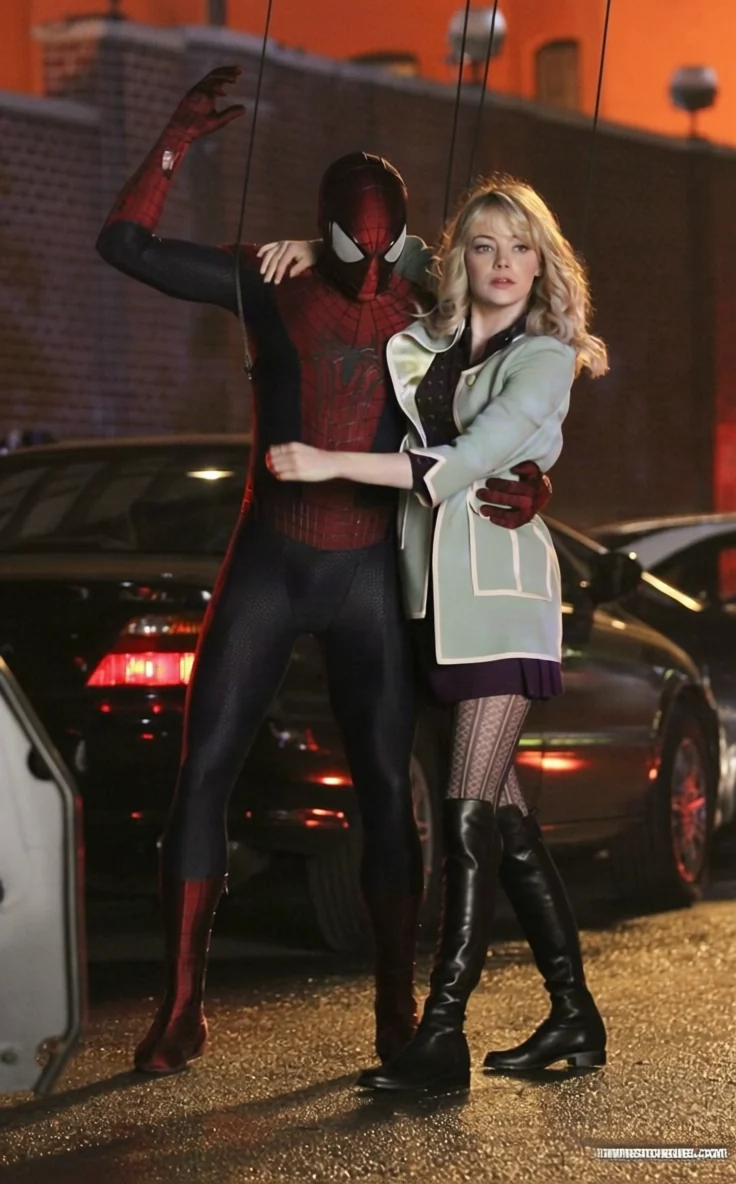
The eight preset views
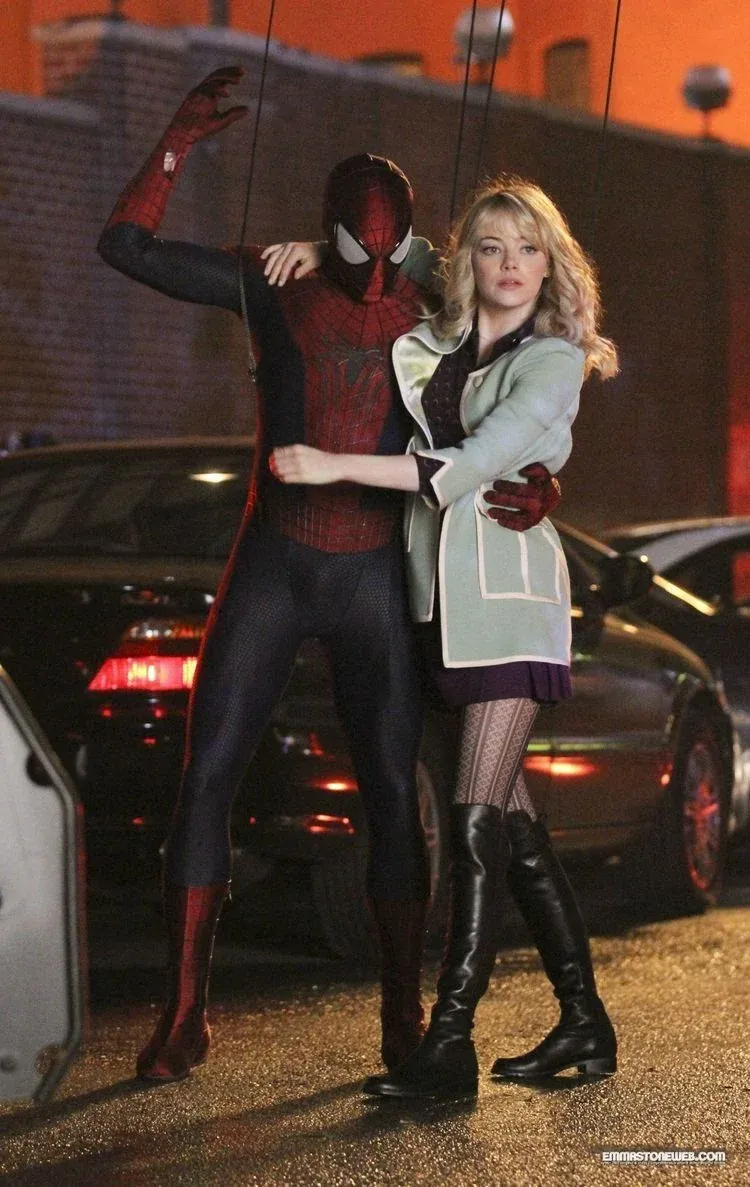
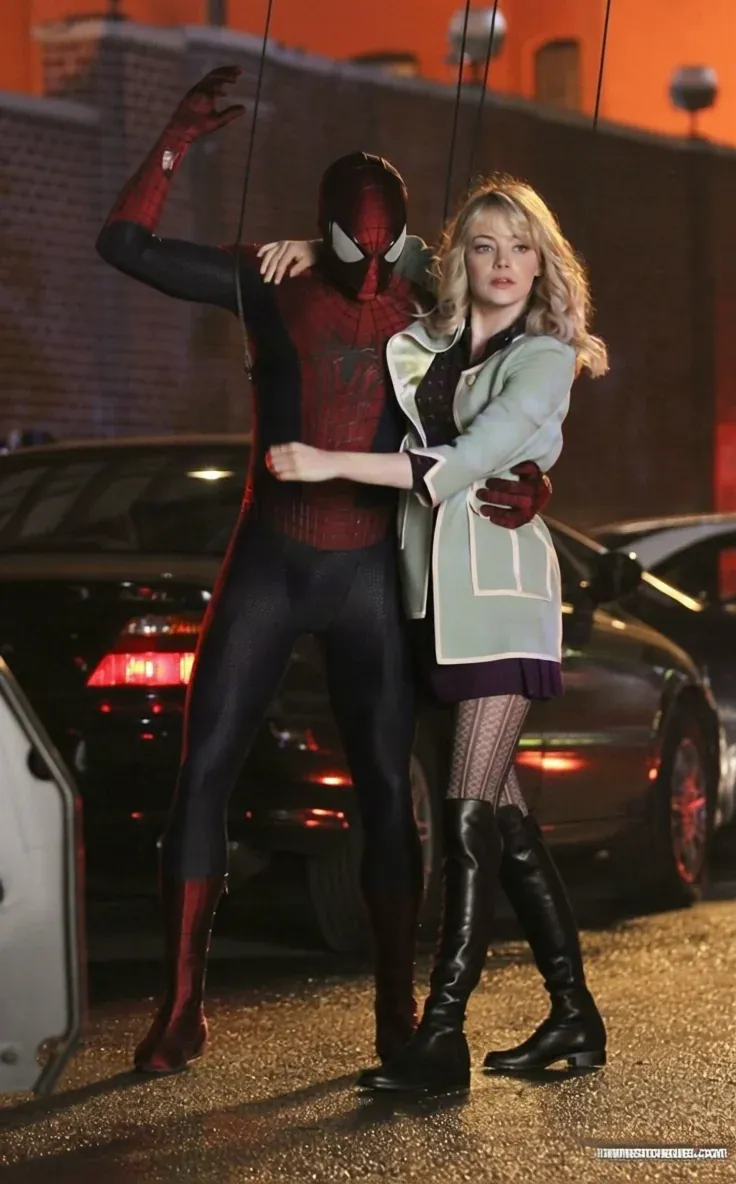
One source subject, seen from each named position.
-
 Front
Front Straight on, rotation at zero.
-
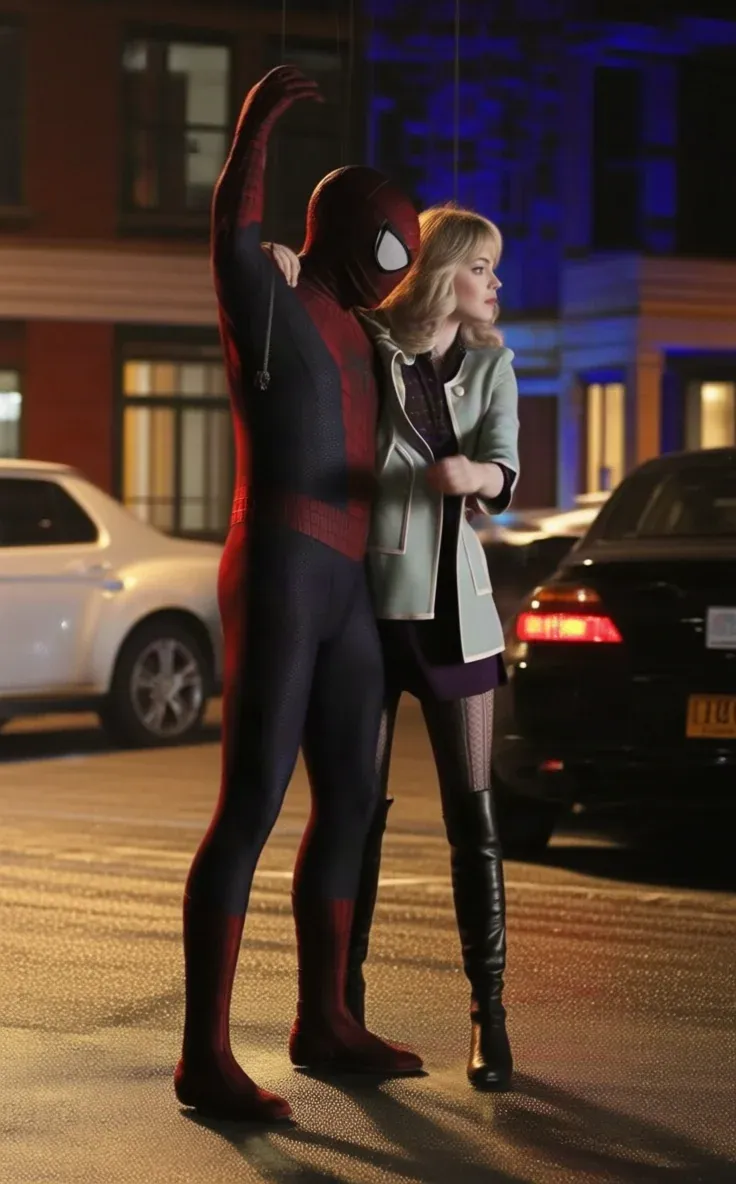 Left
Left A quarter turn to the left.
-
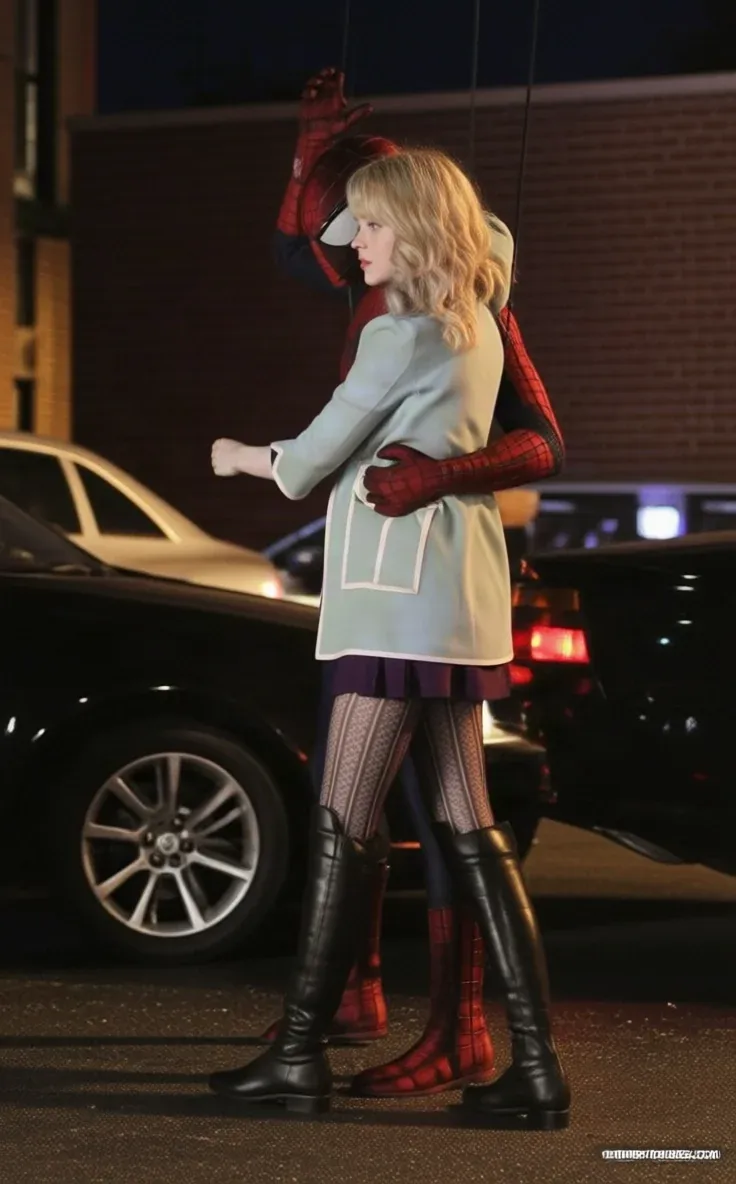 Right
Right A quarter turn to the right.
-
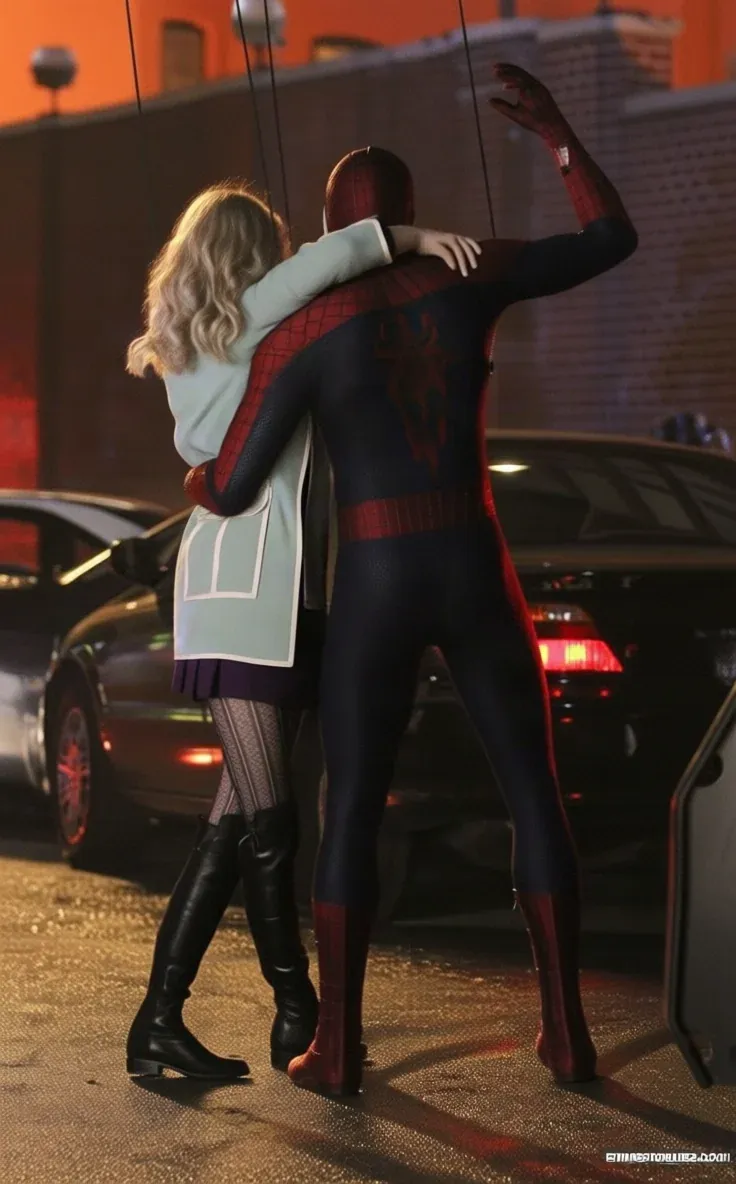 Back
Back The far side, rotation at its extreme.
-
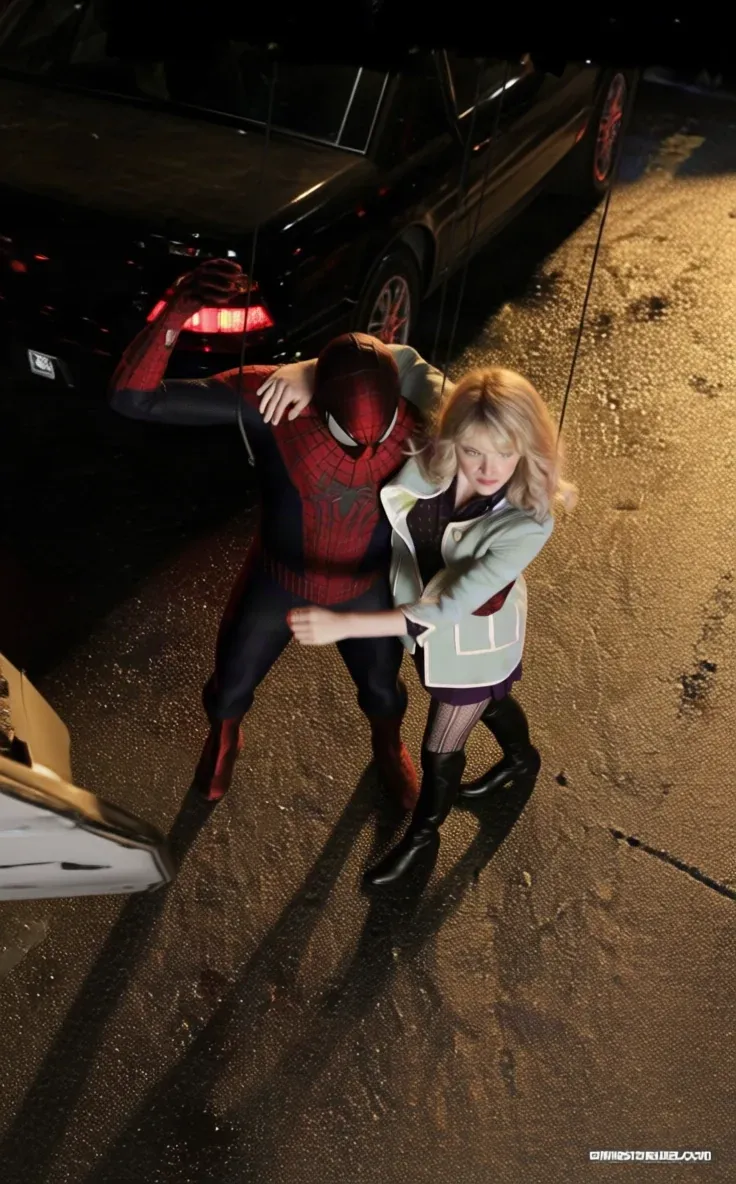 Top
Top Looking down from overhead.
-
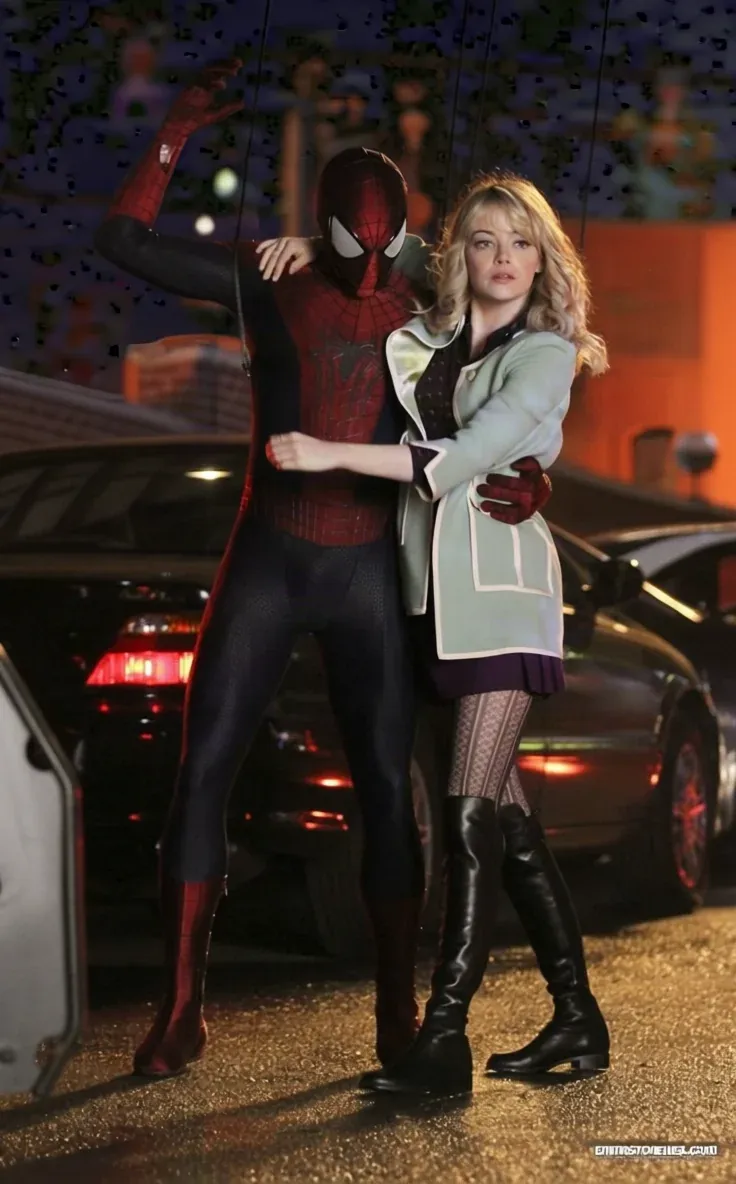 Bottom
 Looking up from below.
-
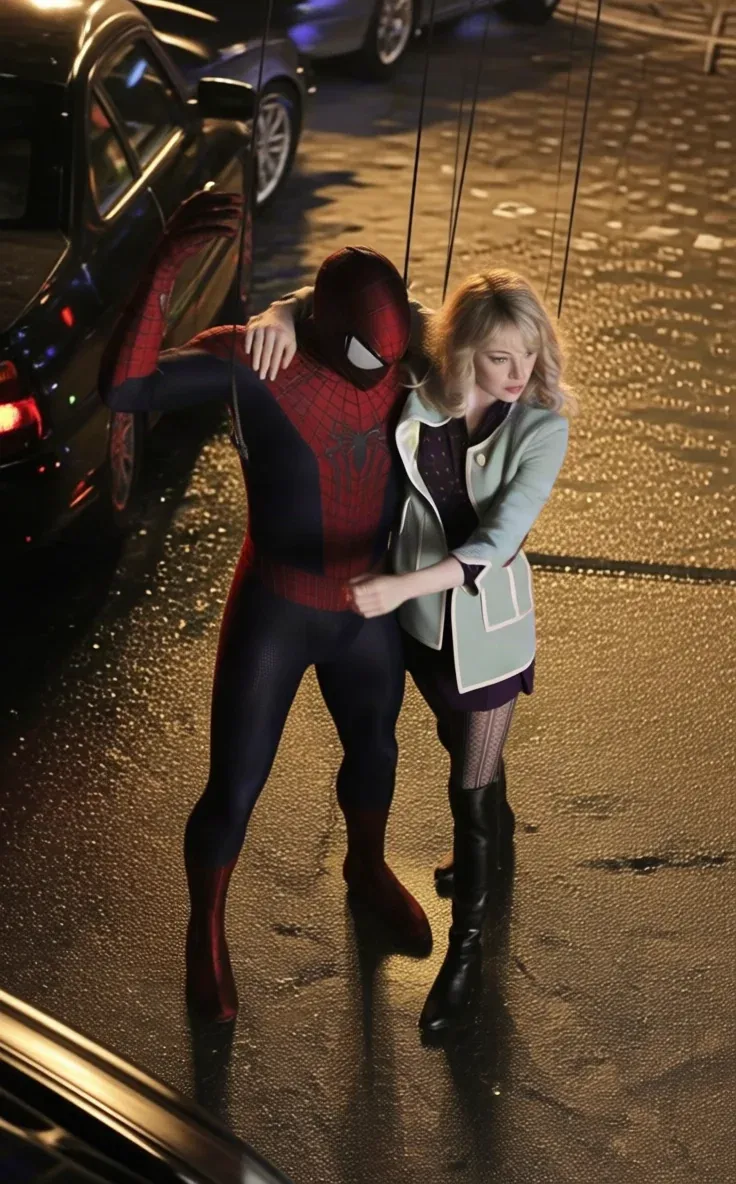 3/4 Left
 Between front and left — the usual product view.
-
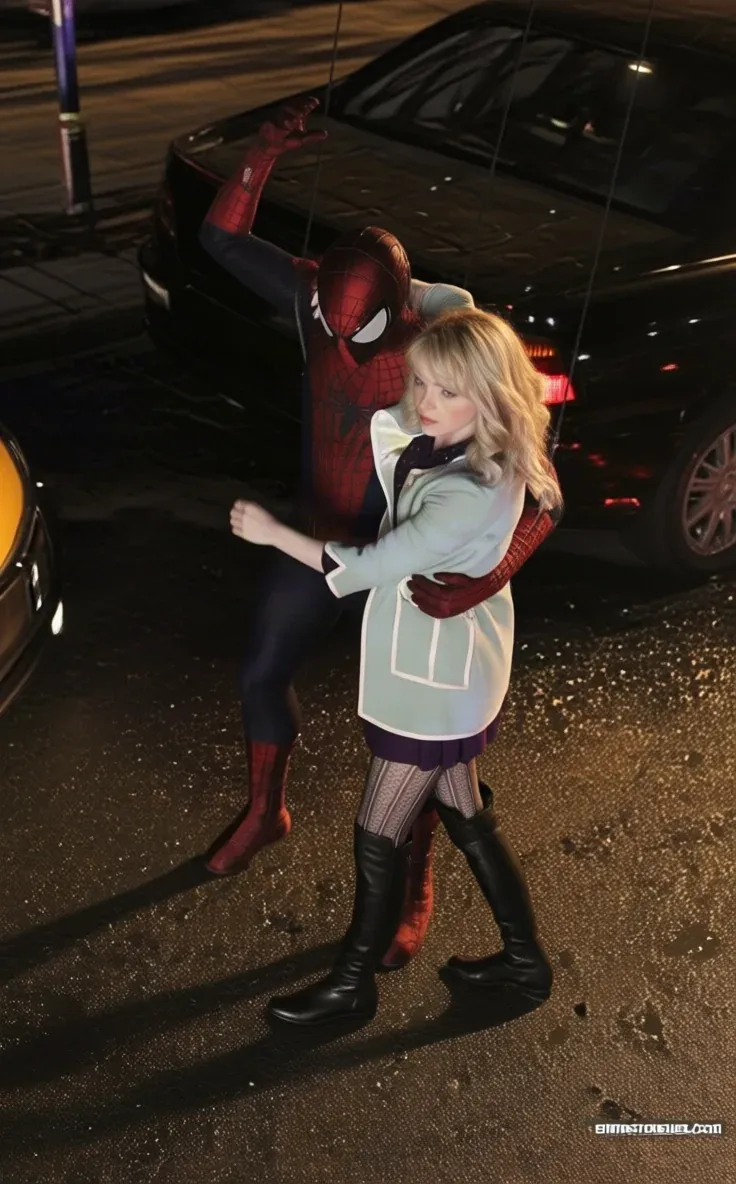 3/4 Right
 The same, mirrored to the other side.
Place the camera, then render
Upload one image
A single photograph of the subject goes into the drop well. One image in, one view out.
Place the camera
Drag the orbit gizmo, a globe on which the dot marks where the lens ends up, or pick one of eight presets. Behind both sit three dials: rotation, tilt and zoom.
Render
Runs in roughly two to five minutes, at a flat 108 credits whatever viewpoint you asked for.
What Angles takes, and what it returns
What Angles needs from you
- Input
- One image of the subject
- Viewpoint
- The orbit gizmo, a preset, or rotation, tilt and zoom set by hand
- Price
- 108 credits flat, whatever the viewpoint
- Typical run time
- 2–5 minutes
Export specifications
- Output
- One rendered view per run, from one source image
- Price
- 108 credits flat — the position does not change it
- Delivery
- Rendered image in your workspace library
A globe you can drag, and the three dials underneath it
The presets are named positions on the same controls the app exposes directly. Custom positions are derived rather than stored, so a preset stops being lit the moment you move off it.
-
Orbit gizmo
Draggable globe
The camera position as a sphere around the subject, where the dot is where the lens ends up. Dragging it moves the rotation and tilt dials together.
-
Rotation (azimuth)
−180° to 180°
Swings the camera around the subject. Zero is front-on; the two extremes meet behind it.
-
Tilt (polar)
0 to 120
Measured from directly overhead: 10 looks down on the subject, 90 is eye level, and 120 looks up at it from below.
-
Zoom
−5 to 5, in steps of 0.5
Signed, with 0 neutral. Negative pulls back, positive pushes in, and the half-steps let you land between two framings.
Engine choice
Two ways to run it. Pick the one that matches your source.
- Eight presets
Preset views
Eight named positions: Front, Left, Right, Back, Top, Bottom, 3/4 Left and 3/4 Right.
The standard set of views
- Fine control
Manual viewpoint
The orbit gizmo and the rotation, tilt and zoom dials set directly, for a position no preset names.
In-between angles
Built for subjects you cannot reshoot
-
Ecommerce and catalogue teams
Build a multi-view listing from the one supplier photograph you were given.
-
Product and industrial designers
See a concept from above, below and three-quarters without rebuilding the render.
-
Concept and game artists
Turn a single character or prop reference into the set of views a modeller needs.
Often used with
Built for Growth at Every Stage
Every plan includes every model and every feature. Plans only change how many credits you get and how many generations run at once.
- Credits refresh monthly
- Top-up additional credits anytime
- Unused credits don't roll over

Not ready for the commitment?

FAQ
Frequently asked questions
Everything you need to know about Angles on BeHooked.
How do I aim the camera?
By dragging the orbit gizmo, a globe drawn around the subject on which the dot is where the lens ends up. It moves the rotation and tilt dials together, and both remain available to set by hand.
What are the preset views?
Front, Left, Right, Back, Top, Bottom, 3/4 Left and 3/4 Right. Each one is a named position on the same controls you can set yourself, and a preset stops being lit the moment you move off it — custom positions are derived rather than stored.
Can I ask for an angle between two presets?
Yes. Rotation runs from −180° to 180°, tilt from 0 to 120 measured from overhead — 10 looks down, 90 is eye level and 120 looks up from below — and zoom from −5 to 5 in steps of 0.5, so any position on those ranges is available.
How many images can I upload?
One. Angles takes a single photograph of the subject and returns a single view of it from the position you set.
How is it priced?
108 credits flat per run. The viewpoint you choose does not change it, and failed runs are refunded.
How is this different from Shots?
Angles moves the camera around the subject. Shots keeps the viewpoint and changes the cinematic framing, returning nine named storyboard shots from one photo.